


Introduction
Launching an online store can look deceptively simple.
Add some products, display their prices, add a cart and publish the website.
But building an e-commerce website that actually helps a business sell requires much more thought.
Customers need to find products easily, understand what they are buying, trust the business, use the website comfortably on their phone and complete their purchase without unnecessary friction.
That means a successful online store is not just a product catalogue.
It is a complete customer journey.
From the first product impression to the final order, every part of the experience can influence whether someone continues shopping or leaves.
So what should a business consider when building an e-commerce website?
1. Start With the Customer, Not the Product Catalogue
One of the easiest mistakes to make is designing an online store around the products alone.
Instead, start by understanding the customer.
Ask:
Who is buying these products?
What are they looking for?
How do they normally discover products?
What information do they need before purchasing?
What concerns might stop them from buying?
What devices are they likely to use?
What should happen after they find the right product?
These questions influence everything from navigation to product pages and checkout.
A good e-commerce website makes the customer's journey feel natural.
The customer should not have to figure out how the website works.
The website should guide them.
2. Make Product Discovery Simple
If customers cannot find the product they want, having hundreds of products does not help.
Product discovery should therefore be one of the most important parts of an online store.
A store may need:
Clear categories
Search
Filters
Useful sorting options
Logical navigation
Featured collections
Related products
Product recommendations
The exact structure depends on the size and type of catalogue.
A small gift store may need a simple category system.
A larger retailer may require filtering by several product attributes.
The goal is the same:
Help customers reach the right product with as little friction as possible.
3. Product Pages Need to Answer Real Questions
A product page should do more than display a photograph and price.
Before buying, customers may want to know:
What exactly is the product?
What does it look like?
What are its dimensions?
What materials are used?
What variants are available?
How much does it cost?
Is it currently available?
How will it be delivered?
Can it be returned?
How can I contact the business if I have a question?
The information required depends on the product.
For some products, photography may be the most important factor.
For others, specifications or compatibility information may matter more.
The best product pages answer the questions customers actually have.
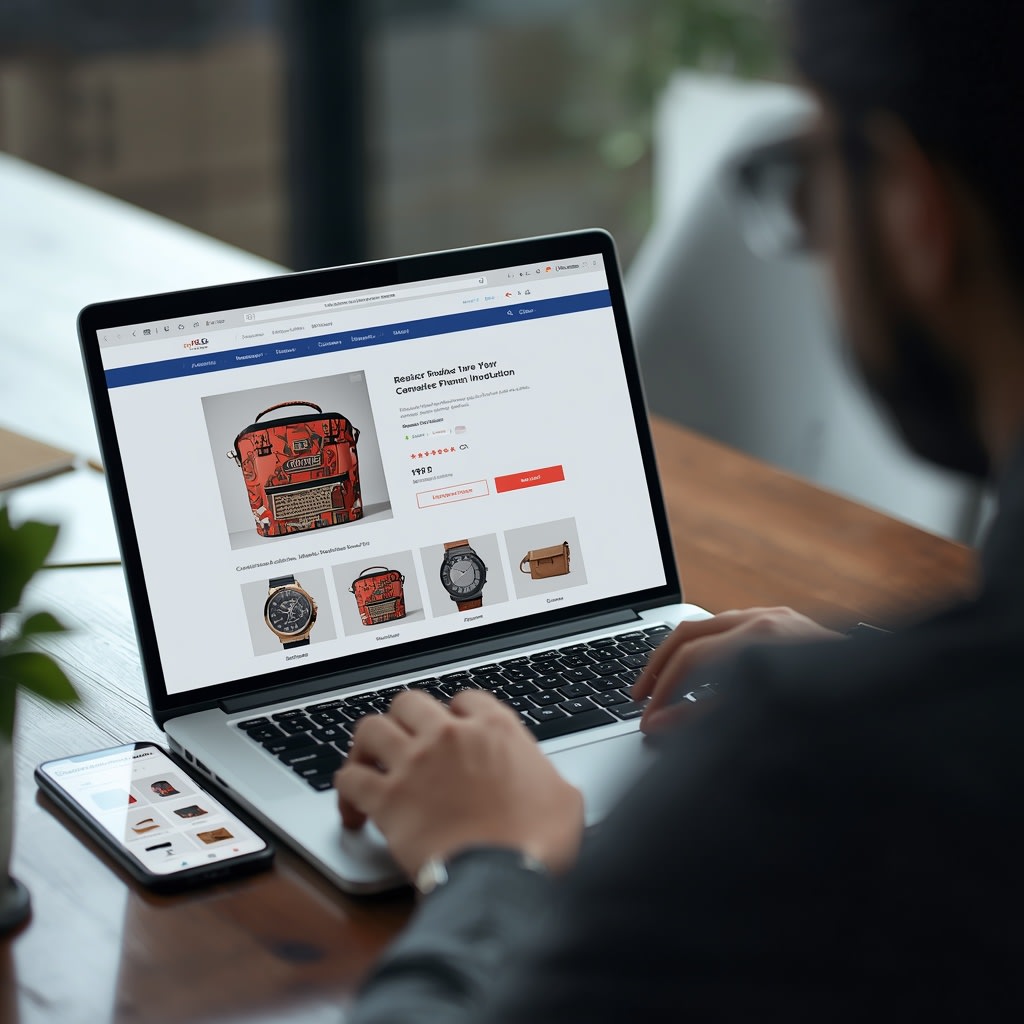
4. Mobile Shopping Should Be Designed, Not Just Resized
A large percentage of online shopping activity happens through mobile devices.
That means mobile should not be treated as an afterthought.
On a phone, customers should be able to:
Browse products comfortably
Read product information
View images
Select variants
Add products to their cart
Review their order
Continue through the checkout process
Buttons should be easy to tap.
Important information should not be buried.
Images should load efficiently.
Navigation should remain understandable.
A responsive e-commerce website adapts its experience to the device rather than simply shrinking the desktop version.
5. Build Trust Before Asking for the Purchase
Customers are naturally more cautious when buying from a business they do not know.
A professional online store can reduce uncertainty by providing useful trust signals.
These might include:
Clear business information
Contact details
Customer reviews
Product information
Delivery information
Return policies
Secure payment options
Frequently asked questions
Real product photography
Clear order communication
Trust is not created by adding random badges everywhere.
It comes from giving customers enough accurate information to make a confident decision.
6. Keep the Cart and Checkout Simple
Getting a customer to add a product to the cart is only part of the job.
The checkout experience matters just as much.
Unnecessary steps, confusing forms or unexpected information can create friction at the point where the customer is closest to completing the purchase.
A good checkout should make it obvious:
What the customer is buying
How much it costs
What information is required
What happens next
How the order will be confirmed
Depending on the business, the checkout may also need payment integration, delivery information, coupon functionality, order tracking or other features.
The right checkout depends on the business model.

7. Website Speed Is Part of the Shopping Experience
Customers do not want to wait for every product image to load.
Large images, inefficient code and unnecessary scripts can make an online store feel slow.
Performance therefore needs to be considered throughout development.
Useful considerations include:
Proper image optimization
Efficient image formats
Responsive image sizes
Lazy loading where appropriate
Efficient rendering
Minimizing unnecessary scripts
Good hosting infrastructure
Performance testing
Speed is not only a technical metric.
It directly affects how easy the store feels to use.
8. Search Engines Need to Understand Your Store
An e-commerce website can have hundreds or thousands of products, but search engines still need to understand what each page represents.
A strong technical and content structure can include:
Descriptive page titles
Useful meta descriptions
Clean URLs
Proper headings
Product descriptions
Category content
Internal linking
Structured data where appropriate
Canonical URLs
Search-friendly navigation
SEO should be built into the store rather than added as an afterthought.
But SEO also needs realistic expectations.
Publishing an online store does not guarantee immediate rankings.
Search visibility usually requires useful content, technical quality, authority and ongoing work.
9. Good Product Photography Makes a Difference
Online customers cannot physically touch the product.
Photography therefore becomes part of the buying experience.
Good product images should help customers understand:
Shape
Size
Colour
Details
Texture
Variations
How the product looks from different angles
The style should also remain consistent across the store.
If one product has a professional studio photograph and another has a dark, blurry phone picture, the store can feel inconsistent.
You do not always need expensive photography.
You need clear, honest and useful product presentation.
10. Give Customers More Than One Way to Get Help
Not every customer will have the same questions.
Some may prefer WhatsApp.
Others may call.
Some may use a contact form.
An e-commerce website can provide appropriate communication options based on the business.
For example:
Useful for quick product questions.
Phone
Useful for customers who prefer direct conversations.
Contact form
Useful for detailed enquiries or custom requests.
The objective is simple:
Don't make a customer search for a way to contact you.
11. Your Store Should Be Easy to Manage
The customer-facing website is only half of an e-commerce system.
Someone inside the business also needs to manage it.
Depending on the business, an administration system may allow staff to manage:
Products
Prices
Categories
Images
Inventory
Orders
Customers
Content
Promotions
A good CMS reduces the need to contact a developer every time a business owner wants to update a product.
This becomes increasingly important as the catalogue grows.
12. Analytics Help You Understand What Is Happening
Once a store is live, guessing is not enough.
Businesses should eventually understand things such as:
Where visitors come from
Which products receive attention
Which pages people leave
Which actions lead toward purchase
Which marketing channels perform better
Analytics can help answer these questions.
The exact tracking setup depends on the business and its goals.
The important part is to measure meaningful actions rather than simply collecting numbers.
13. Don't Build Features Just Because Other Stores Have Them
An e-commerce website does not automatically become better because it has more features.
A small store may not need:
Complex recommendation engines
Dozens of filters
Complicated loyalty systems
Multiple unnecessary checkout steps
Heavy animations
Features customers never use
Every feature adds design, development, testing and maintenance requirements.
The better question is:
Does this feature make the customer's experience or the business operation meaningfully better?
If the answer is no, it may not belong in the first version.
14. Think About the Business Beyond Launch Day
An online store should not be treated as a one-time website project.
After launch, the business may need to:
Add products
Update prices
Publish new collections
Improve product descriptions
Add customer reviews
Monitor performance
Improve SEO
Analyse customer behaviour
Maintain integrations
Update the technology
A scalable foundation makes these improvements easier.
The goal is to create a store that can evolve with the business rather than one that becomes difficult to maintain after launch.
Conclusion
A successful e-commerce website is not simply a website with products and a shopping cart.
It is a carefully designed system that connects:
Product discovery → Product understanding → Trust → Purchase → Order experience
Every step matters.
The best online stores make it easy for customers to find what they want, understand what they are buying and confidently take the next step.
For businesses planning an online store, the focus should therefore be less on simply asking:
“How many features can we put into the website?”
and more on asking:
“How can we make buying from this business easier?”
That question leads to better design decisions, better technology choices and ultimately a better customer experience.